
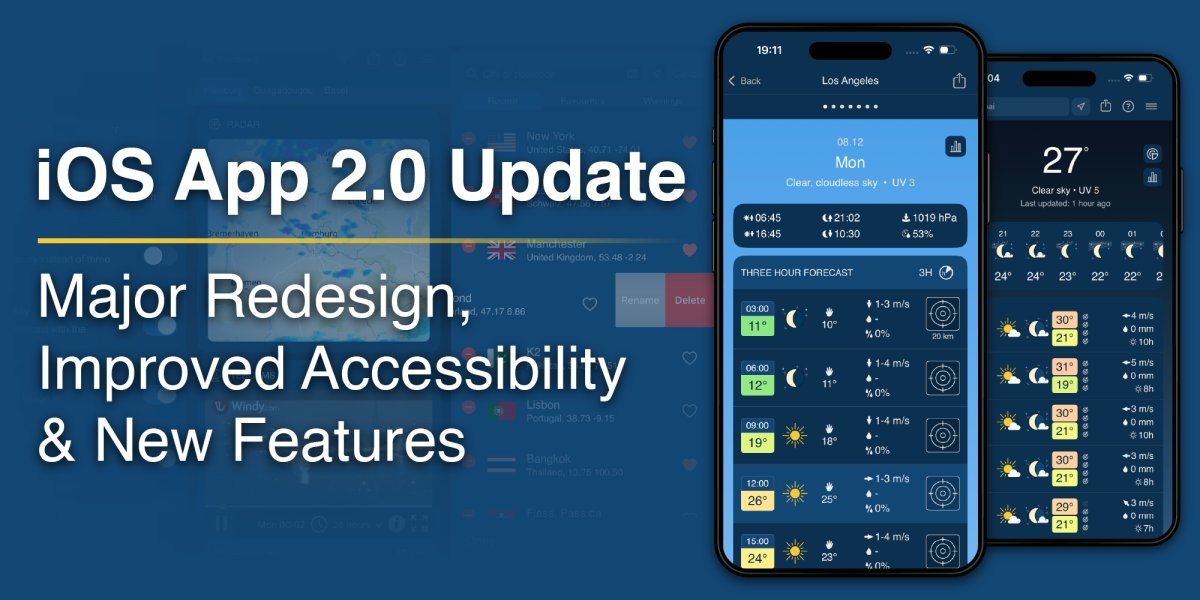
The meteoblue iOS app has received its biggest update so far – with an all-new design, improved performance and smarter navigation, the app now offers the fastest and most intuitive way to explore meteoblue weather forecasts to date.
This release represents a major leap forward: the interface has been completely redesigned, and about 90% of the codebase has been rewritten from scratch, resulting in a noticeably smoother, more stable, and easier to navigate app. Building on extensive user feedback – thousands of reviews in the past month alone – this new version includes major structural and visual updates as well as numerous subtle refinements.
New and improved features
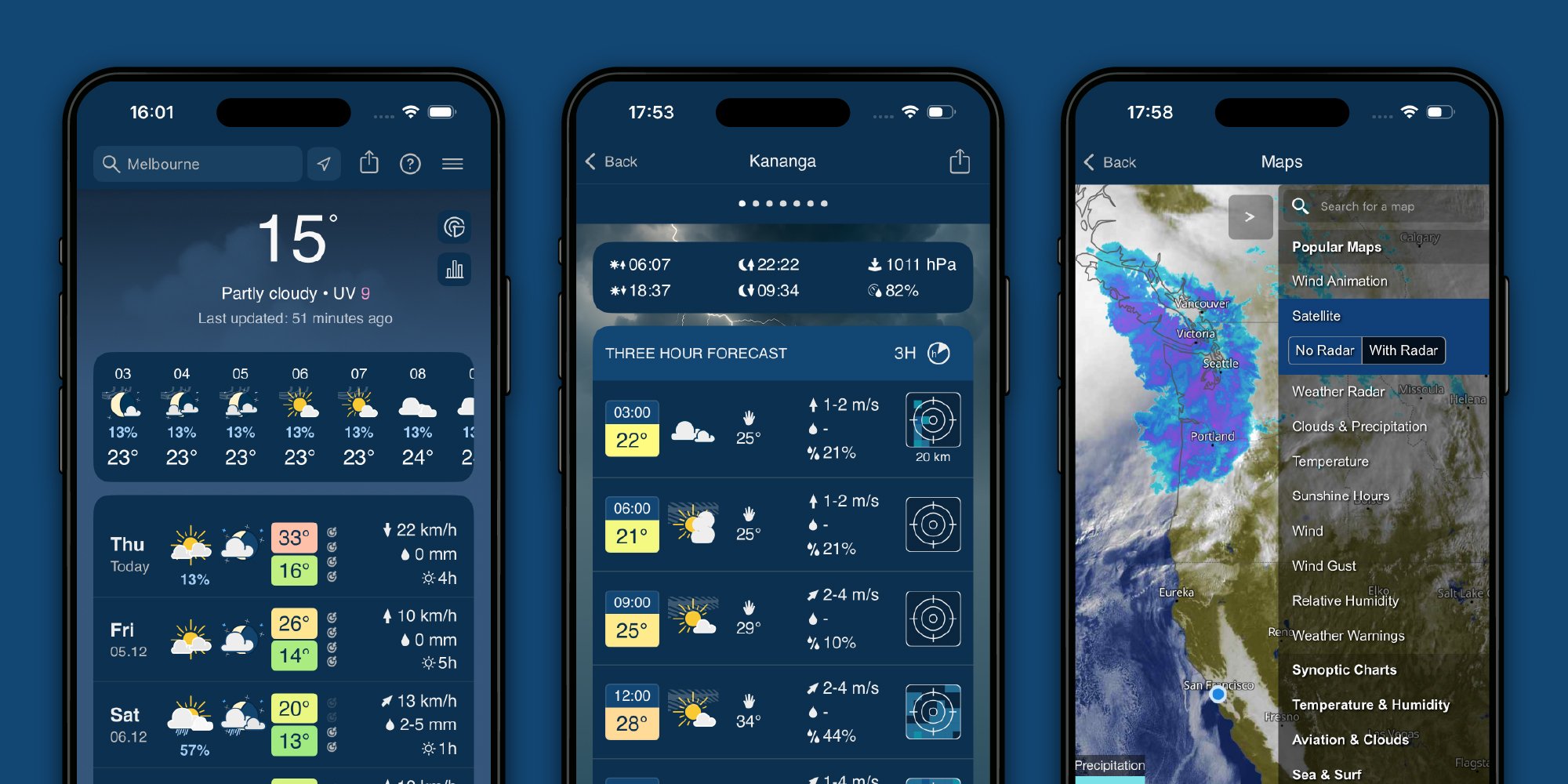
- Sleek new design with streamlined buttons, icons and layout elements, able to accommodate different screen resolutions and custom font-size settings, improving accessibility
- Scrollable home view allowing quick navigation to all weather readouts and visualisations, while retaining the menu button for focused viewing of individual elements
- Hourly weather overview for the upcoming 24 hours located directly at the top of the home screen
- Progressive temperature colour gradient with subtle, continuous saturation changes and periodic hue shifts, giving an at-a-glance view of temperature changes over time
- Quick-access buttons for the Radar and Meteogram views allow instant navigation to these widely used features
- Long-press tooltips explaining most meteorological terms, symbols, and interface elements seen in the app
- In-app feedback form for direct contact, a feature that has already seen extensive use among early testers, providing us with invaluable insights for user-focused improvements
- 5 new languages added: Simplified Chinese, Indonesian, Japanese, Korean, and Vietnamese, bringing the total to 29 supported languages – plus native support for right-to-left languages
- Complete language review as part of the addition of a new translation system which will improve the implementation time and precision of future translations
- Fully refactored codebase, greatly improving the efficiency of the app's code and making it easier for us to add and improve features going forward
The decisions behind these changes were based largely on direct input from users responding to our recent requests for feedback. We were pleasantly surprised by the sheer number of replies, and we would like to thank the many active and engaged users of the app for their thoughtful and constructive comments.
We are aware that major redesigns like this one will not meet with the approval of everyone and can take time to get used to, especially for long-time users. However, we are confident that this update improves both the usability and the visual appeal of the app for the vast majority of users, as reflected in the feedback we have received.
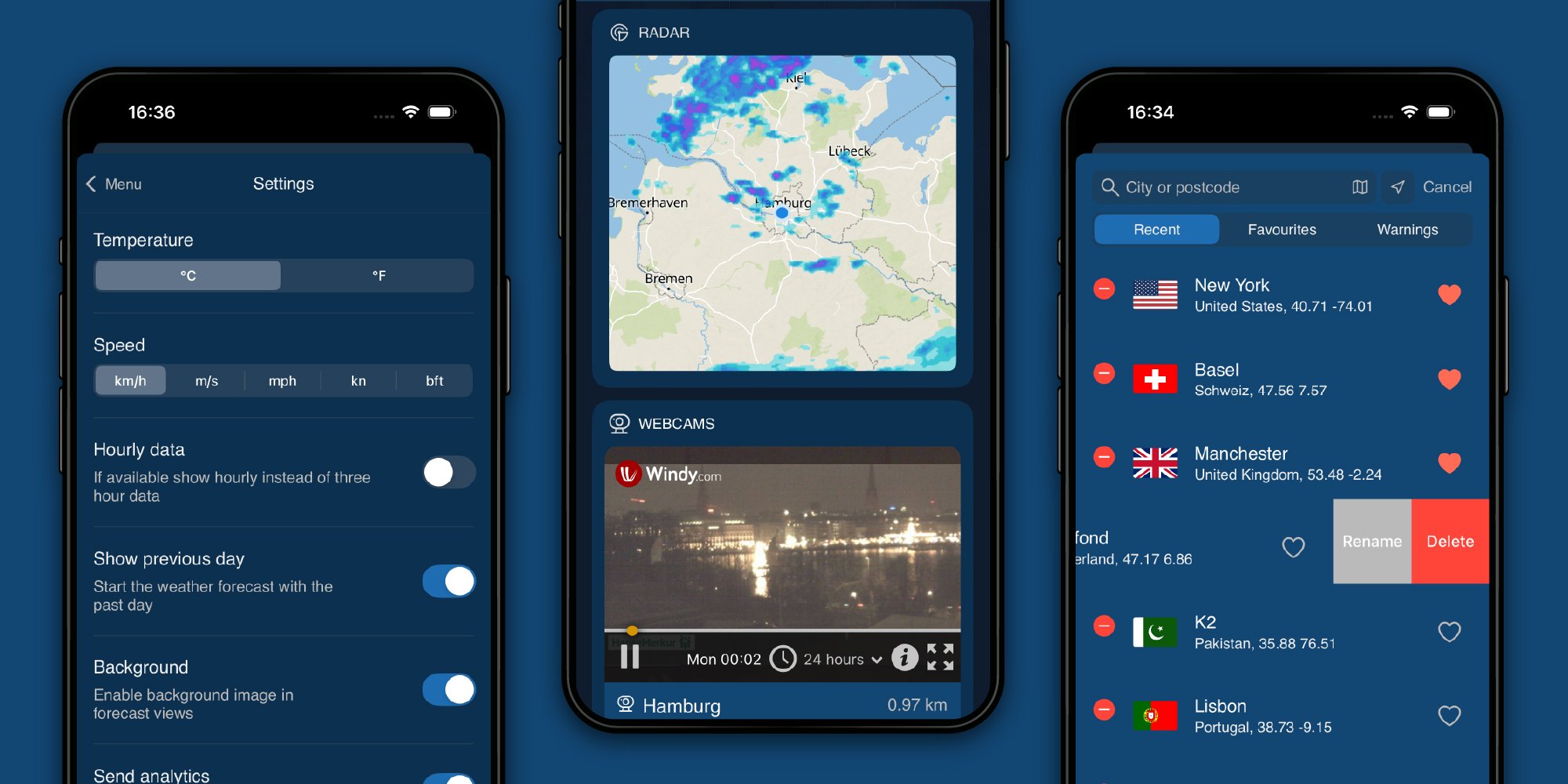
Your feedback has already inspired improvements and will continue to guide the ongoing development of the meteoblue app. We have ensured that all user-favourite features remain, including the forecast predictability, which shows how likely the predictions are to change as new data arrives, and the rainSPOT, which displays where precipitation is expected in the immediate surroundings of the selected location.
Coming soon
We're already preparing the next steps to further improve the app: Soon, users will be able to customise the quick-access buttons to lead to the content that matters most to them, as well as personalise the home screen by reordering content cards to bring their favourite elements to the top. We are also working on updates and new additions to the widgets that can be placed on phones' home screens. In addition, the redesigned Android app is planned for release early next year.
More updates are on the way, and we look forward to sharing them with you.


